
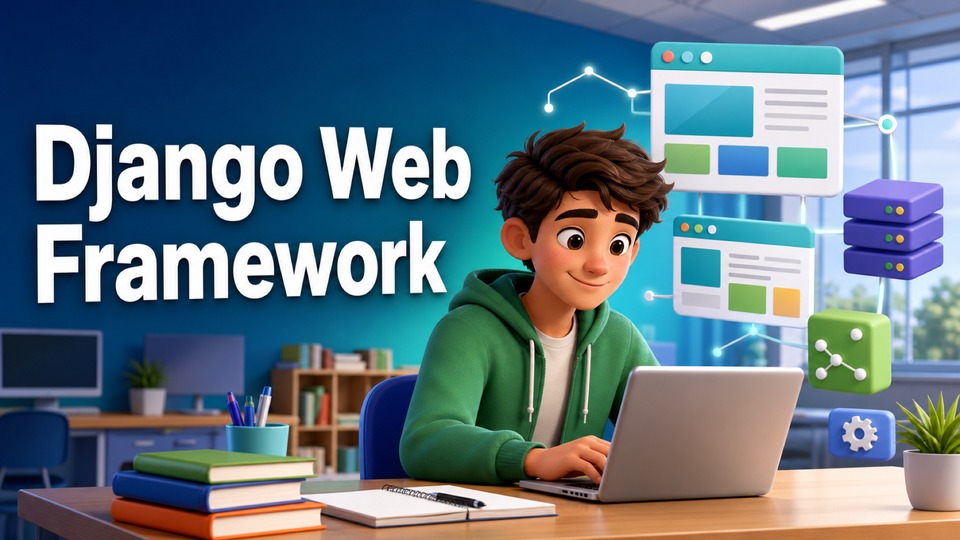
It's time to build something bigger. In this course, you will use the Django web framework to build, secure and administer a web server. You will have the opportunity to create, design and configure a web app using the Django framework in-line with best practices. Explore the usage of models in Django and their relationship to databases. Use views to render requested data to meaningful template structures for a composed user interface (UI). Implement proactive security practices and mitigate common security risks. By the end of the course you will be able to: • Design a Django web application using Python, HTML and CSS. • Describe and implement the HTTP request response cycle by creting views, routes and templates. • Describe and build a data model to create database tabless and dynamic web forms. • Explore the Django Template Language to create dyanamic webpages that display data stored in a database. • Create, share and test your web application by using industry standard best practice and guidelines. To succeed in this course, you are required to have a fundamental knowledge of the following: HTML and CSS Python MySQL You also require basic internet navigation skills and an eagerness to get started with coding in Django!
Mungkin Anda Juga Suka
Programming in Python
HTML and CSS in depth
Programming with JavaScript
Introduction to HTML, CSS, & JavaScript
Introduction to Software Engineering
Introduction to Artificial Intelligence (AI)
Mobile Development and JavaScript
Programming for Everybody (Getting Started with Python)
KS2 Drama
KS3 Drama
Alphabet (ABC) Songs by CoComelon
Sheriff Labrador - Kids Cartoon | Safety Cartoon for Kids
Learn English with Movies
JS 1 Business & Finance
SS 3 Government
Primary 5 Mathematics
Python Data Structures
Introduction to Databases for Back-End Development
Principles of UX/UI Design
Generative AI: Elevate your Software Development Career
Developing AI Applications with Python and Flask
Programming Fundamentals in Kotlin
React Basics
React Native
Komentar
10 Komentar
Congratulations!
Congratulations!
Congratulations!
Solution Part 3 - How to create the footer
Solution Part 3 - How to create the footer
Solution Part 3 - How to create the footer
Solution Part 2 - Create the menu item page
Solution Part 2 - Create the menu item page
Solution Part 2 - Create the menu item page
Solution Part 1 - Create the menu page