
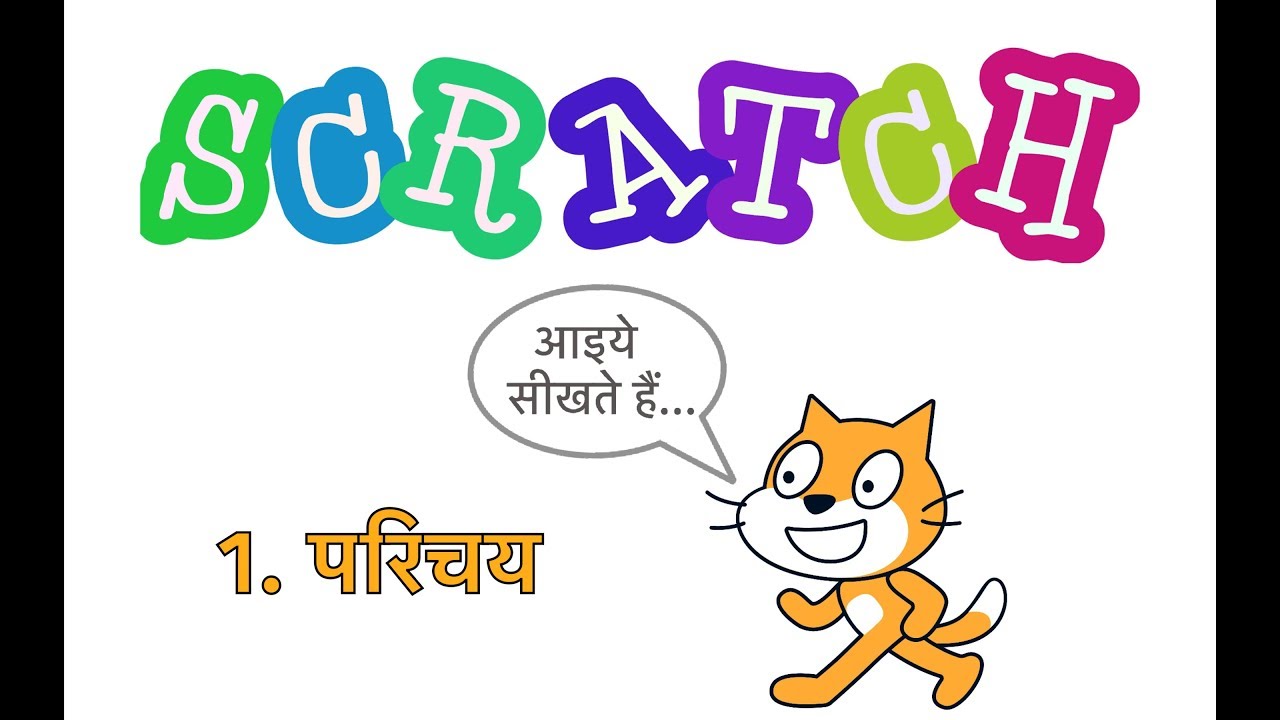
आज की दुनिया में कंप्यूटर प्रोग्रामिंग की समझ एक महत्वपूर्ण कौशल बन गयी है. कंप्यूटर प्रोग्रामिंग, जिसको कोडिंग भी कहते हैं, नियोजनीयता बढ़ाने में भी साकारत्मक भूमिका निभाती है। कंप्यूटर प्रोग्रामिंग करने से logical thinking भी विकसित होती है. कुछ वर्षों पहले, अमेरिका की MIT यूनिवर्सिटी के MIT Media Lab ने बच्चों में कोडिंग की रूचि जागृत करने के लिए Scratch नाम की एक फ्री सॉफ्टवेयर बनाई थी. Scratch अब बहुत प्रचलित हो गयी है और करोड़ों बच्चे, अध्यापक और अभिभावक आज Scratch के users हैं. Scratch में बहुत सरल block-based programming के ज़रिये आप मस्त games, animation और interactive stories इत्यादि बना सकते हैं. Scratch के नए version 3.0 में कई नए advanced features भी हैं जैसे Artificial Intelligence. इस वीडियो श्रृंखला में आप सीखेंगे free software Scratch में प्रोग्रामिंग.
آپ کو یہ بھی پسند آ سکتا ہے
Computer Basics
Python for Class 12 (Apni Kaksha)
Learn Basic Computer in Hindi Basic to Advance Level
Basic Computer Course Playlist Theory with Practical
FAMILY FIRST
Kids Funny Videos with Chutty Kannamma #Shorts
Maths Grade 1
Plus Two Biology | 2024 - 2025
computer class 5
Class 12 Computer Science
ICSE Class 8 Computer Full Course
Learn Computer Basics in Telugu Lessons - Complete Basics for Beginners
Kids Songs by CoComelon
SS 1 Physics
SS 2 Physics
Primary 3 Mathematics
Programming for Kids and Beginners: Learn to Code in Scratch 3.0
SS1 Computer and IT
Central Processing Unit
Problem Solving | 9th Class Computer Science Chapter 1 | Class 9 Computer Chapter 1 New Book
Class 11 Computer Science (Course Code: 083) - By Shraddha Mam | Complete CBSE Course | All Chapters Available
Master Basic Computer Skills in 7 Days (Urdu/Hindi) | Complete Course 2026
Class 11 - Computer Science (083)
Fundamentals of Computer Complete Tutorial For Beginners in Hindi | Basic Computer Course
تبصرے
10 تبصرے
In this video, we will learn how to create a Natural Language Processing based quiz in Pictoblox (Scratch). We will use ChatGPT to create the quiz content, and DALL.E2 (AI Art Generator) to create images to make the quiz background.
In this video, we will learn how to create a Natural Language Processing based quiz in Pictoblox (Scratch). We will use ChatGPT to create the quiz content, and DALL.E2 (AI Art Generator) to create images to make the quiz background.
In this video, we will learn how to create a Natural Language Processing based quiz in Pictoblox (Scratch). We will use ChatGPT to create the quiz content, and DALL.E2 (AI Art Generator) to create images to make the quiz background.
Animated Scratch story, made with AI tools: Sprites created on: Canva AI Voiceover: Eleven Labs Music/Sounds: Pixabay Story/Script with ChatGPT help Scratch Project link: https://scratch.mit.edu/projects/1216989048 Project Tutorial: https://youtu.be/UDX7nj1kcPk
Animated Scratch story, made with AI tools: Sprites created on: Canva AI Voiceover: Eleven Labs Music/Sounds: Pixabay Story/Script with ChatGPT help Scratch Project link: https://scratch.mit.edu/projects/1216989048 Project Tutorial: https://youtu.be/UDX7nj1kcPk
Animated Scratch story, made with AI tools: Sprites created on: Canva AI Voiceover: Eleven Labs Music/Sounds: Pixabay Story/Script with ChatGPT help Scratch Project link: https://scratch.mit.edu/projects/1216989048 Project Tutorial: https://youtu.be/UDX7nj1kcPk
Animated Scratch story, made with AI tools: Sprites created on: Canva AI Voiceover: Eleven Labs Music/Sounds: Pixabay Story/Script with ChatGPT help Scratch Project link: https://scratch.mit.edu/projects/1216989048 Project Tutorial: https://youtu.be/UDX7nj1kcPk
Chintu AI Chappal: this animated Scratch story has been created with the help of theseAI tools: Sprites created on: Canva AI, https://www.canva.com/ai Voiceover: Eleven Labs, https://elevenlabs.io/ Sound Effects: Pixabay, https://pixabay.com/ Story/Script written with help from ChatGPT, https://openai.com Scratch Project link: https://scratch.mit.edu/projects/1216989048 Scratch Storytelling Tutorials: https://www.youtube.com/watch?v=ZQCAyiH9pqE&list=PLaOVx6t5zAcw52J8PIGQz4JBOCpNhmNNx
Chintu AI Chappal: this animated Scratch story has been created with the help of theseAI tools: Sprites created on: Canva AI, https://www.canva.com/ai Voiceover: Eleven Labs, https://elevenlabs.io/ Sound Effects: Pixabay, https://pixabay.com/ Story/Script written with help from ChatGPT, https://openai.com Scratch Project link: https://scratch.mit.edu/projects/1216989048 Scratch Storytelling Tutorials: https://www.youtube.com/watch?v=ZQCAyiH9pqE&list=PLaOVx6t5zAcw52J8PIGQz4JBOCpNhmNNx
Chintu AI Chappal: this animated Scratch story has been created with the help of theseAI tools: Sprites created on: Canva AI, https://www.canva.com/ai Voiceover: Eleven Labs, https://elevenlabs.io/ Sound Effects: Pixabay, https://pixabay.com/ Story/Script written with help from ChatGPT, https://openai.com Scratch Project link: https://scratch.mit.edu/projects/1216989048 Scratch Storytelling Tutorials: https://www.youtube.com/watch?v=ZQCAyiH9pqE&list=PLaOVx6t5zAcw52J8PIGQz4JBOCpNhmNNx